UPSC Photo & Signature Size: Latest Document Requirements 2026
Official UPSC 2026 photograph and signature specifications for CSE Prelims, Mains, IFS, NDA, CDS, CAPF, ESE, and CMS — with step-by-step upload instructions.
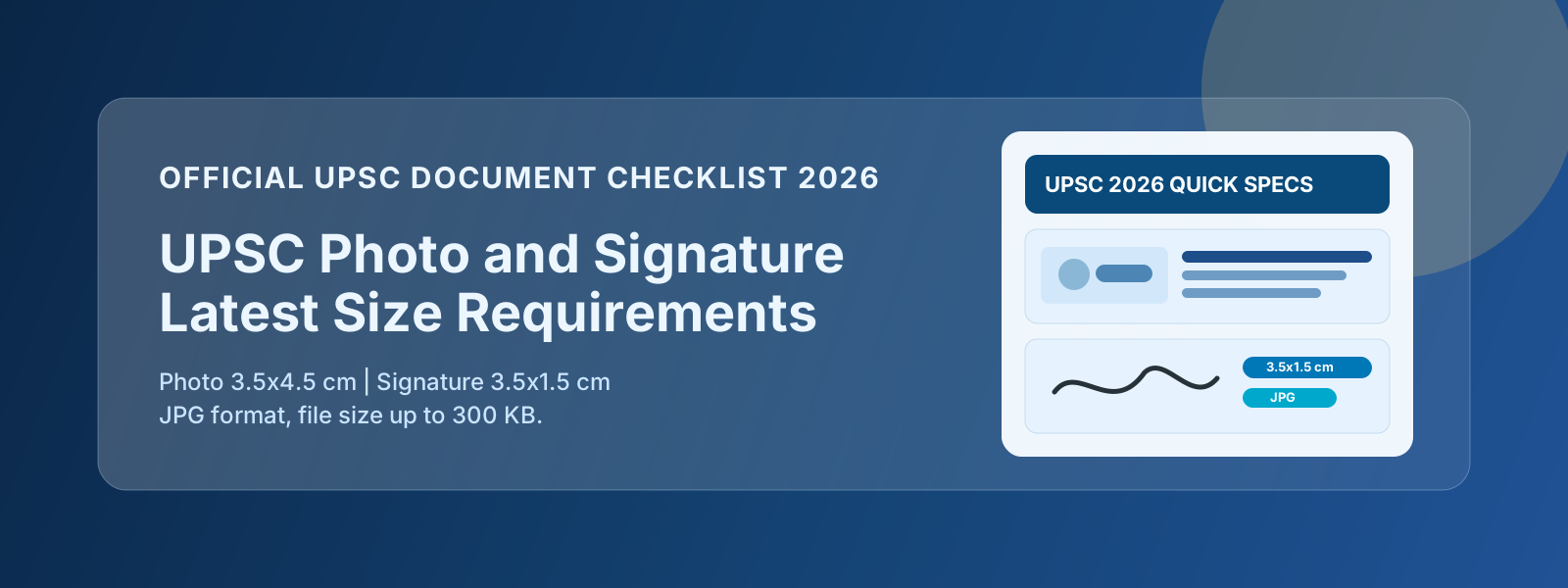
UPSC is India’s most prestigious exam authority — and its document upload requirements reflect that thoroughness. From UPSC CSE Prelims to NDA, CDS, CAPF, IFS, and ESE, the specifications are consistent and well-documented. This guide consolidates the latest 2026 requirements, explains what each means in practical terms, and shows you exactly how to prepare your files before the form submission window opens.
UPSC CSE — Photo & Signature Specifications
Photo Requirements
| Parameter | Requirement |
|---|---|
| Dimensions | 3.5 cm × 4.5 cm |
| Max file size | 300 KB |
| Min file size | 20 KB |
| Format | JPG / JPEG |
| Background | White or plain light-coloured |
| Face coverage | 60–70 % of the frame |
| Recency | Taken in the last 6 months |
| Glasses | Not permitted |
What 3.5 × 4.5 cm means digitally:
At 200 DPI: ≈ 276 × 354 px
At 300 DPI: ≈ 413 × 531 px
Both are acceptable. The UPSC portal does not mandate a specific DPI — it checks dimensions at upload time by the pixel count your scanner or camera produced. Use our Passport Photo Tool to resize to correctly proportioned dimensions and keep the file between 20 KB and 300 KB.
Signature Requirements
| Parameter | Requirement |
|---|---|
| Dimensions | 3.5 cm × 1.5 cm |
| Max file size | 300 KB |
| Min file size | 4 KB |
| Format | JPG / JPEG |
| Background | White |
| Ink | Black |
| Style | Running hand (cursive) — not capitals |
UPSC explicitly states the signature must be in running hand. Block or printed capitals are rejected. Your UPSC signature must also match the signature in your school/college documents and ID proofs — this is checked during the Detailed Application Form (DAF) stage.
Document Upload for UPSC CSE
At the DAF stage (after Prelims), you will upload:
- Recent passport-size photograph
- Signature
- Class 10 mark sheet (proof of age)
- Educational qualifications (degree certificates)
- Category certificate (SC/ST/OBC/EWS), if applicable
- Physical disability certificate, if applicable
PDF documents for UPSC: each file should be under 1 MB in most cases. Use our PDF Compressor if your scanned certificates are too large.
UPSC CDS & NDA — Photo & Signature Specifications
UPSC CDS (Combined Defence Services) and NDA (National Defence Academy) use identical specs to UPSC CSE:
| Parameter | Photo | Signature |
|---|---|---|
| Dimensions | 3.5 × 4.5 cm | 3.5 × 1.5 cm |
| Max size | 300 KB | 300 KB |
| Format | JPG | JPG |
| Background | White | White |
For NDA and CDS, candidates also undergo physical fitness testing and an SSB interview. The photo uploaded on the form is used for identity verification throughout the process, so ensure it’s a clear, recent photo where your face is recognisable.
CDS-specific note: If you’re applying for the Indian Military Academy (IMA) or Officers Training Academy (OTA), your photo will be compared at each stage — Prelims CBT, SSB, and medical. Use a consistent, recent photo.
UPSC CAPF (AC) — Photo & Signature Specifications
CAPF (Assistant Commandant) uses the same UPSC standard:
| Parameter | Photo | Signature |
|---|---|---|
| Dimensions | 3.5 × 4.5 cm | 3.5 × 1.5 cm |
| Max size | 300 KB | 300 KB |
| Format | JPG | JPG |
| Background | White | White |
CAPF goes through a Physical Standard Test (PST) and Physical Efficiency Test (PET). During in-person stages, your uploaded photo is printed on your hall ticket and compared with your appearance.
UPSC IFS (Indian Forest Service) — Photo & Signature Specifications
IFS Photo and Signature:
| Parameter | Photo | Signature |
|---|---|---|
| Dimensions | 3.5 × 4.5 cm | 3.5 × 1.5 cm |
| Max size | 300 KB | 300 KB |
| Format | JPG | JPG |
IFS Mains also involves a Personality Test (interview). Same photo is used throughout.
UPSC ESE (Engineering Services Exam)
ESE Photo and Signature:
| Parameter | Photo | Signature |
|---|---|---|
| Dimensions | 3.5 × 4.5 cm | 3.5 × 1.5 cm |
| Max size | 300 KB | 300 KB |
| Format | JPG | JPG |
| Background | White | White |
ESE is one of the harder technical exams. The form is straightforward — same upload process as CSE.
UPSC CMS (Combined Medical Services)
CMS Photo and Signature:
| Parameter | Photo | Signature |
|---|---|---|
| Dimensions | 3.5 × 4.5 cm | 3.5 × 1.5 cm |
| Max size | 300 KB | 300 KB |
| Format | JPG | JPG |
How to Prepare Your UPSC Photo
Taking the Photo
- Visit a professional photography studio — tell them it’s for a government exam form
- The studio should understand the 3.5 × 4.5 cm format and will often provide a JPEG in the right size range
- Background must be solid white — not off-white, cream, or light grey
- No spectacles (this has been enforced since 2022 notifications)
- Wear formal clothing — collared shirt, salwar, or saree
Resizing and Compressing
If you have a good studio digital photo but it’s the wrong size or too large:
- Open ExamFormTools Passport Photo Tool
- Upload the JPEG
- Select the UPSC preset (3.5 × 4.5 cm) or enter custom dimensions
- Set target size to 200–250 KB (comfortably under 300 KB, above 20 KB)
- Download
Self-taken Photo (If Studio Not Available)
- Find a plain white wall
- Use the rear camera (higher resolution than front) with the phone on a stand or tripod
- Ensure even lighting — overcast daylight near a window, no harsh shadows
- Frame so your head and shoulders fill the frame
- Use the document scanner mode in the camera app for auto-white-balance correction
How to Prepare Your UPSC Signature
- Use a black ballpoint pen on plain white A4 paper
- Sign as you do on official ID documents — no stylised or logo-like marks
- Ensure it’s in running/cursive handwriting — no block capitals
- Scan at 200–300 DPI, or photograph with Microsoft Lens / Adobe Scan app
- Crop the image to just the signature with a small white border
- Use our Signature Tool to resize to 3.5 × 1.5 cm and check file size
- Export as JPG — file should be 4 KB to 300 KB
Common Mistakes in UPSC Document Upload
Mistake 1 — Signature in Capital Letters
This is the single most common rejection reason. Your name in neat capital letters is not a signature — it’s printed text. A valid signature has cursive, flowing strokes.
Mistake 2 — Photo with Spectacles
The UPSC notification since 2022 has explicitly prohibited spectacles. Even if your Aadhaar photo shows you with glasses, upload a photo without.
Mistake 3 — Photo Background Not White
A cream or off-white background can pass in some exams, but UPSC’s system flags it. Use a studio photo with a pure white background.
Mistake 4 — File Exactly at or Near Minimum Size
A 19 KB file is under the 20 KB minimum. If you’ve compressed too aggressively, relax the JPEG quality slightly.
Mistake 5 — Wrong File Format
Ensure the file extension is .jpg or .jpeg. Some cameras save .JPG (uppercase) — this is fine on most portals but check the requirement.
Mistake 6 — Outdated Photo
UPSC requires photos taken within the last 6 months. Using a photo from 2 years ago might not match how you look at the physical verification stage and can create identity mismatch issues.
UPSC DAF Document Checklist
When you clear UPSC Prelims and reach the Detailed Application Form stage:
- Recent passport photograph (within 6 months)
- Signature scan (running hand, black ink)
- Class 10 certificate (date of birth proof)
- Graduation degree / provisional certificate
- Caste / category certificate (SC/ST/OBC/EWS) — current financial year
- PwD certificate (if applicable)
- NOC from employer (if serving in government)
- Any other certificates (NCC, sports, state preference for IPS)
All certificates should be scanned as clear, legible PDFs. Use our PDF Compressor to ensure each PDF stays under 1 MB without losing legibility.
Frequently Asked Questions
Can I use the same photo for CSE Prelims and DAF?
Yes, provided the photo is still within 6 months of the date you submit the DAF. UPSC CSE Prelims and Mains are held months apart — if your original photo is getting old, retake it for the DAF.
My photo is 298 KB — is that close enough to the 300 KB limit?
Yes, 298 KB is within the 300 KB limit. Upload it. The portal validates the exact byte count.
I signed in blue ink. Do I need to redo my signature?
Black ink is preferred and the safest choice, but UPSC’s stated requirement is “black ink” specifically. To be safe, redo the signature scan in black ink.
What if I don’t have a scanner at home?
Use your phone with Microsoft Lens (Android/iOS) or Apple’s built-in document scanner (iOS 13+). These apps produce clean, high-contrast scans of handwritten signatures that work well for exam uploads.
UPSC rejected my photo saying “background not white”. What do I do?
You need a new photo with a genuine white background — not off-white. Studios typically have a white cloth backdrop. If you’re doing it at home, photograph in front of a freshly painted white wall in good lighting. Our Background Remover can also replace a grey/cream background with pure white.
Can I use an Aadhaar photo for my UPSC application?
No. Aadhaar photos are very low resolution and usually blurry when enlarged. They’re also often older than 6 months. Always use a fresh, high-resolution studio or phone photo.