CUET UG Form Fill Guide: Photo, Signature, Category Certificate, and Common Rejection Fixes
Practical CUET UG form filling guide covering photo and signature uploads, category certificate checks, common rejection reasons, and final submission strategy.
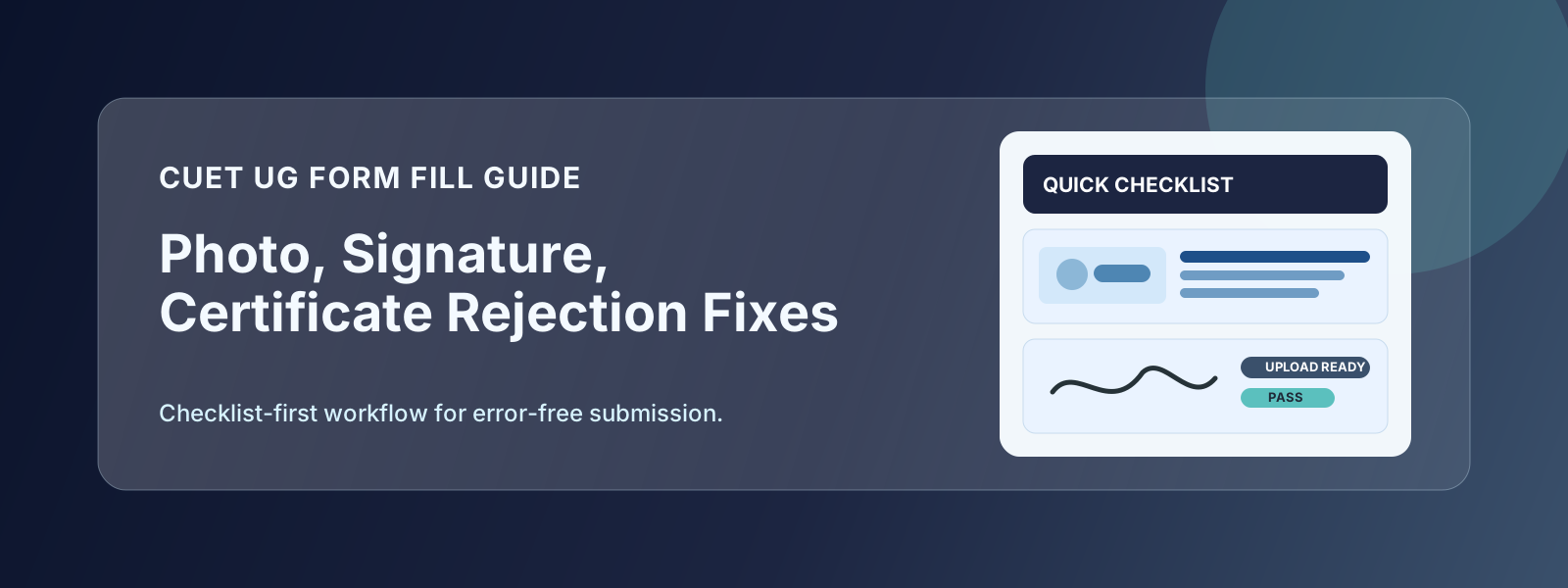
CUET UG applications look simple at first glance, but most mistakes happen in the final 20 minutes: wrong file size, unclear signature, certificate mismatch, or incomplete submit after payment. The fix is not speed. The fix is a checklist.
This guide walks you through the exact workflow that helps candidates submit correctly on the first attempt.
CUET UG Upload-Ready Checklist
Keep these in one folder before you open the portal:
- Recent passport-size photograph (clear, front-facing)
- Signature scan on white paper
- Class 10 and 12 details from marksheets
- Category or EWS certificate (if applicable)
- PwBD certificate (if applicable)
- Active mobile number and email for OTP
Create two subfolders: originals and portal-ready. Never edit your only copy.
Photo and Signature: What Actually Works
Photo
- Plain white or light background
- Face centered and clearly visible
- No heavy filter, beauty mode, or portrait blur
- Export in JPG/JPEG unless portal states otherwise
Signature
- Sign naturally on white paper
- Use dark pen for clear stroke contrast
- Crop tightly, but keep a small white margin
- Avoid screenshots from messaging apps
If your file size is above the allowed limit, compress gradually. Over-compression is a common cause of fuzzy uploads.
Category and EWS Certificate Checks
A certificate is not valid just because it is uploaded. It must also match the current admission cycle requirements.
Verify before submit:
- Issuing authority details are visible
- Date is within accepted validity period
- Name and DOB match your application fields
- PDF is readable at normal zoom
When in doubt, prefer a fresh certificate over a risky old one.
Top Rejection Reasons in CUET Forms
- Blurry image after aggressive compression
- Signature style mismatch at later verification
- Name mismatch between form and certificate
- Wrong certificate format for selected category
- Payment done, but final submit not completed
Final-Day Strategy That Reduces Errors
Avoid submitting in the last few hours when traffic is highest.
Use this flow instead:
- Day 1: Fill profile and academic details
- Day 2: Upload and verify all files
- Day 3: Pay, submit, and download final PDF
This simple spacing gives you enough time to spot avoidable mistakes.
Quick FAQ
Can I reuse an old photo from another exam?
Yes, if it is recent and matches current upload standards.
Is a screenshot of signature acceptable?
Not recommended. Use a clean scan or high-quality camera capture.
Payment succeeded, but status is pending. What should I do?
Wait for sync time, refresh later, and contact official helpdesk only if status remains unchanged.
Good CUET submissions come from process discipline, not last-minute panic. Treat the form like an exam task, and your rejection risk drops sharply.